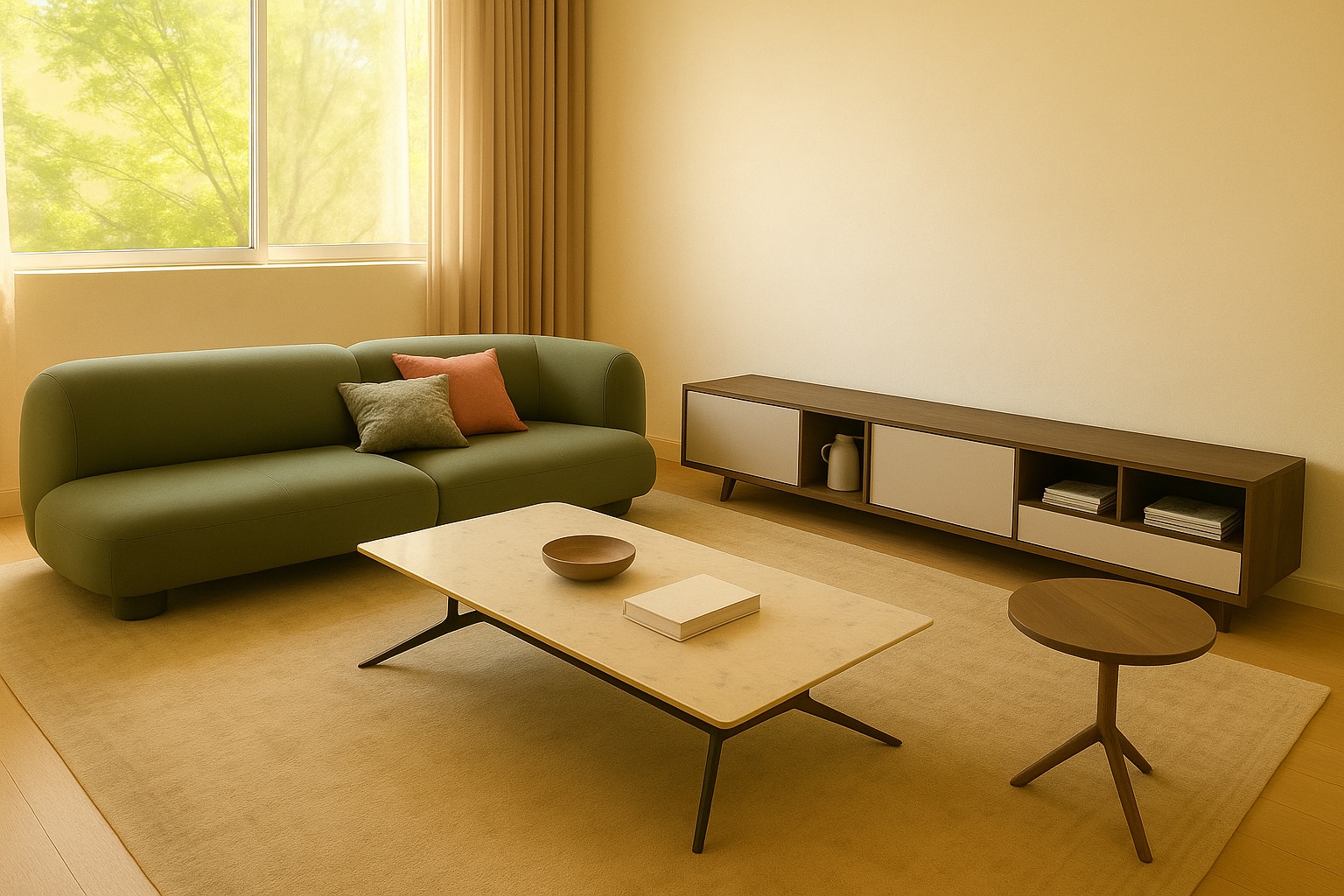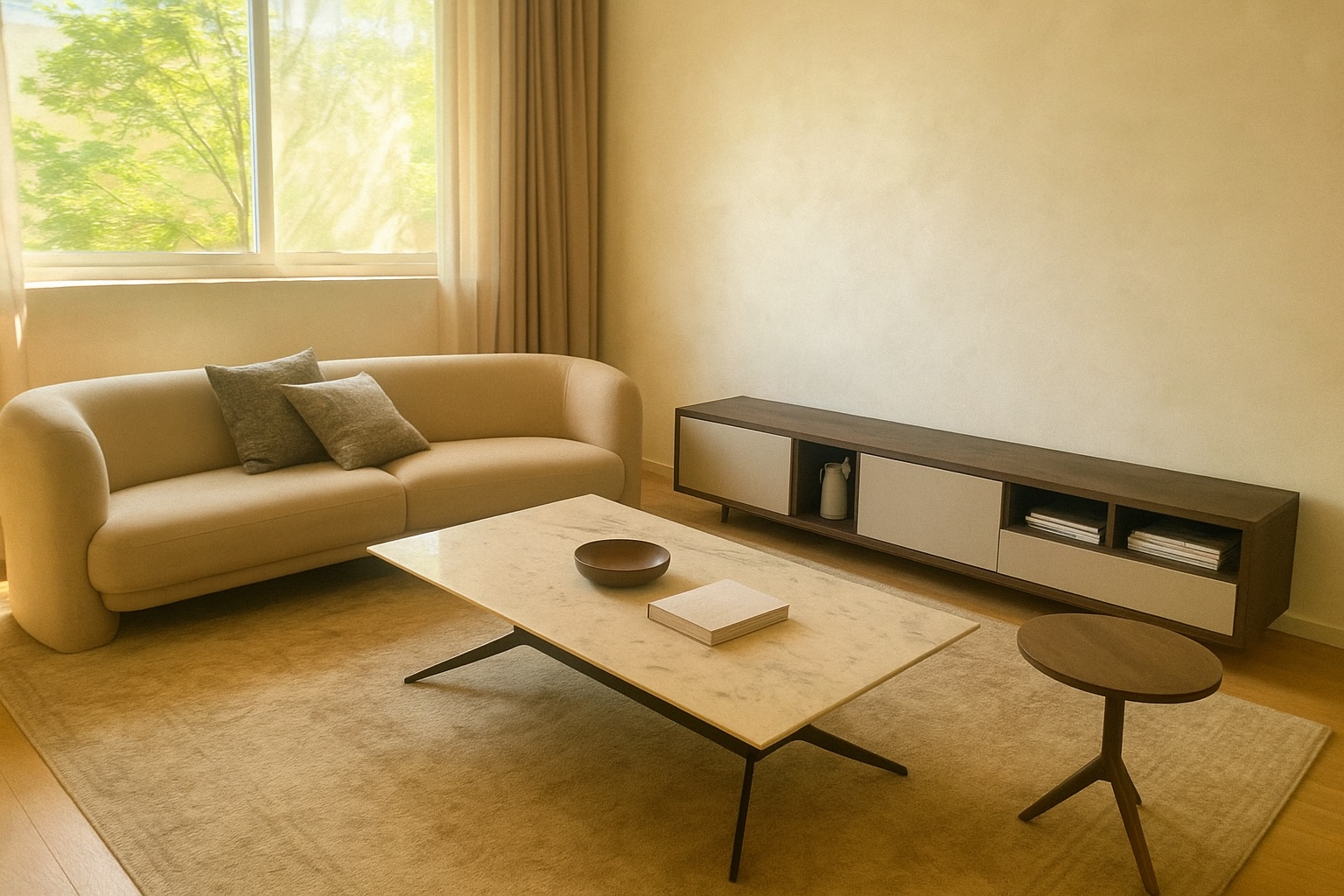
AI Furniture Replacement
Upload a room photo and one or more furniture images to replace furniture in your space with AI.
Upload Images
Add a room photo and up to 3 furniture images
1. Add Images
Room and furnitures
0/4 imagesAdd a room photo or furniture image
2. Customize Instructions
Be specific about which furniture to replace, and which image it should come from.
Guest mode includes 1 free furniture replacement. Sign in for unlimited use and saved history.
Replacement Result
Your furniture replacement result will appear here
Upload a room photo and at least one furniture image, then click Replace
Tips for Better Replacement Results
Choose Compatible Photos
Select a room photo and furniture images with similar lighting and perspective for more realistic replacements.
Be Specific in Your Prompt
Clearly describe which furniture to replace and what to use as replacement.
Consider Size and Scale
Use images where the furniture is shown at a similar scale for better results.
Start with a Clear Room Photo
Your first image should be the main room scene for furniture replacement.
Use High-Quality Images
Clear, undistorted images lead to better AI replacement results.
Example Prompt Ideas
Try prompts like "Replace the armchair in image 1 with the chair from image 2" or "Swap the dining table in the room with the one from image 3".
Drag to compare before / after furniture placement